
Download Tapet – Free Wallpaper Generator, High-Quality Backgrounds, Desktop Customization
Overview
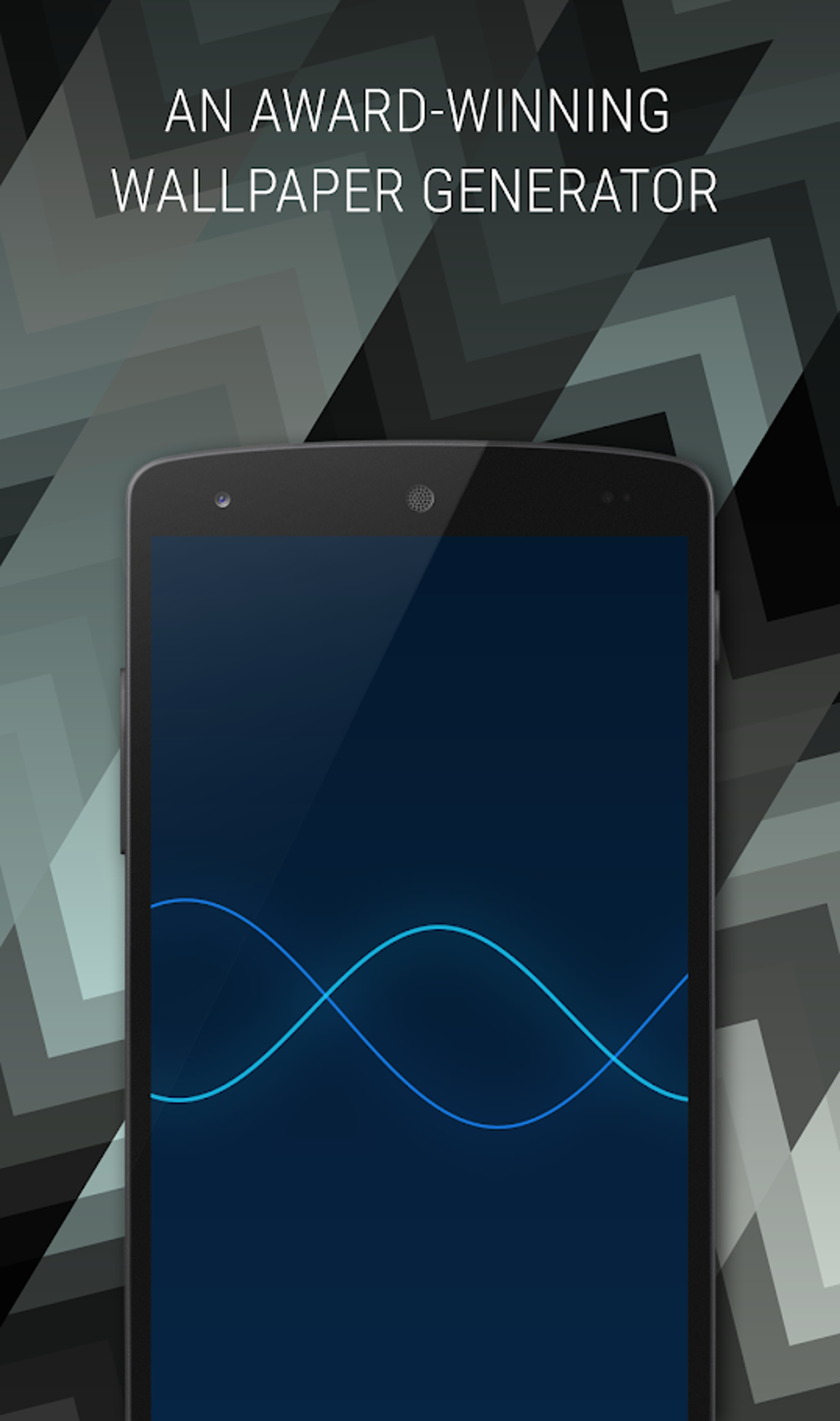
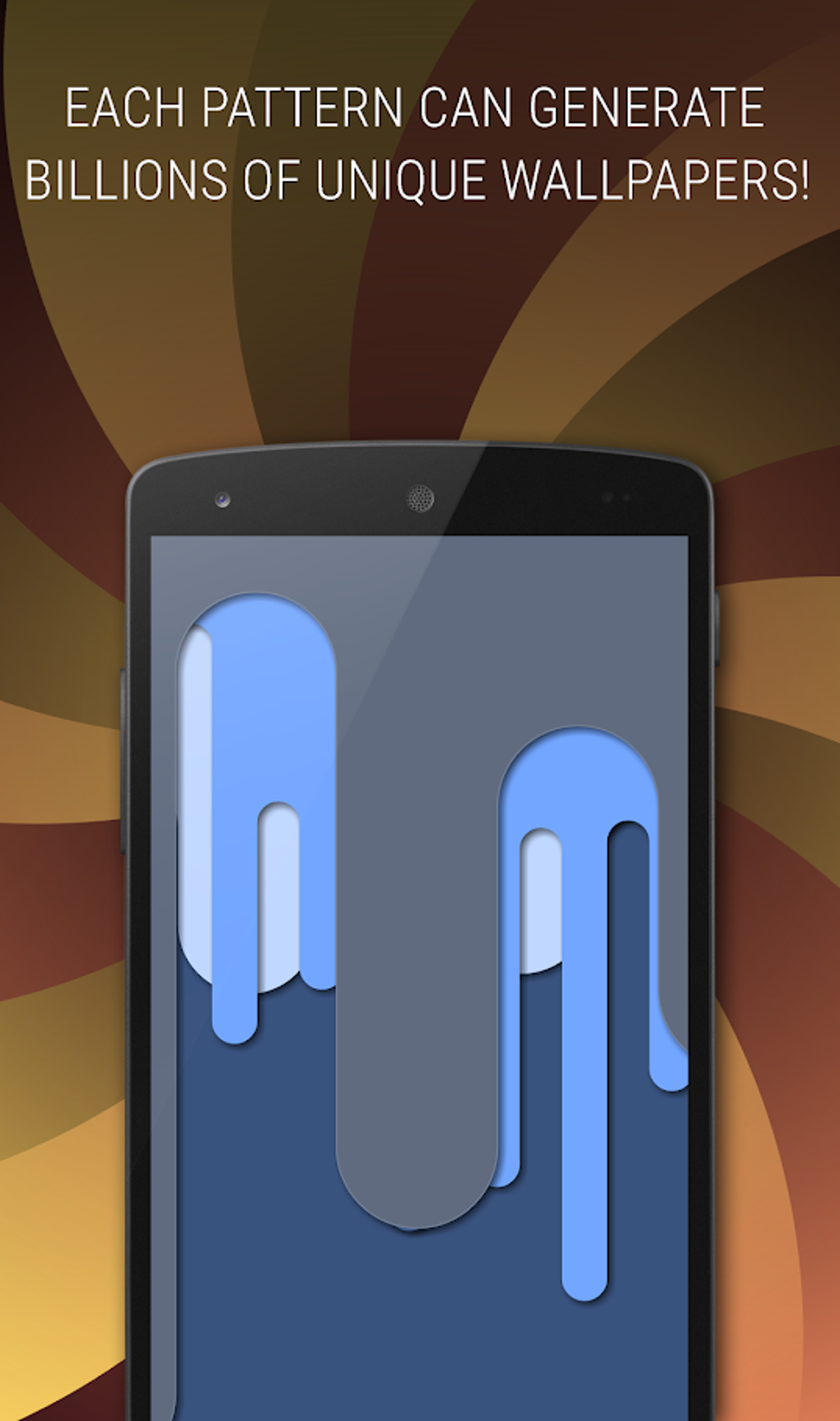
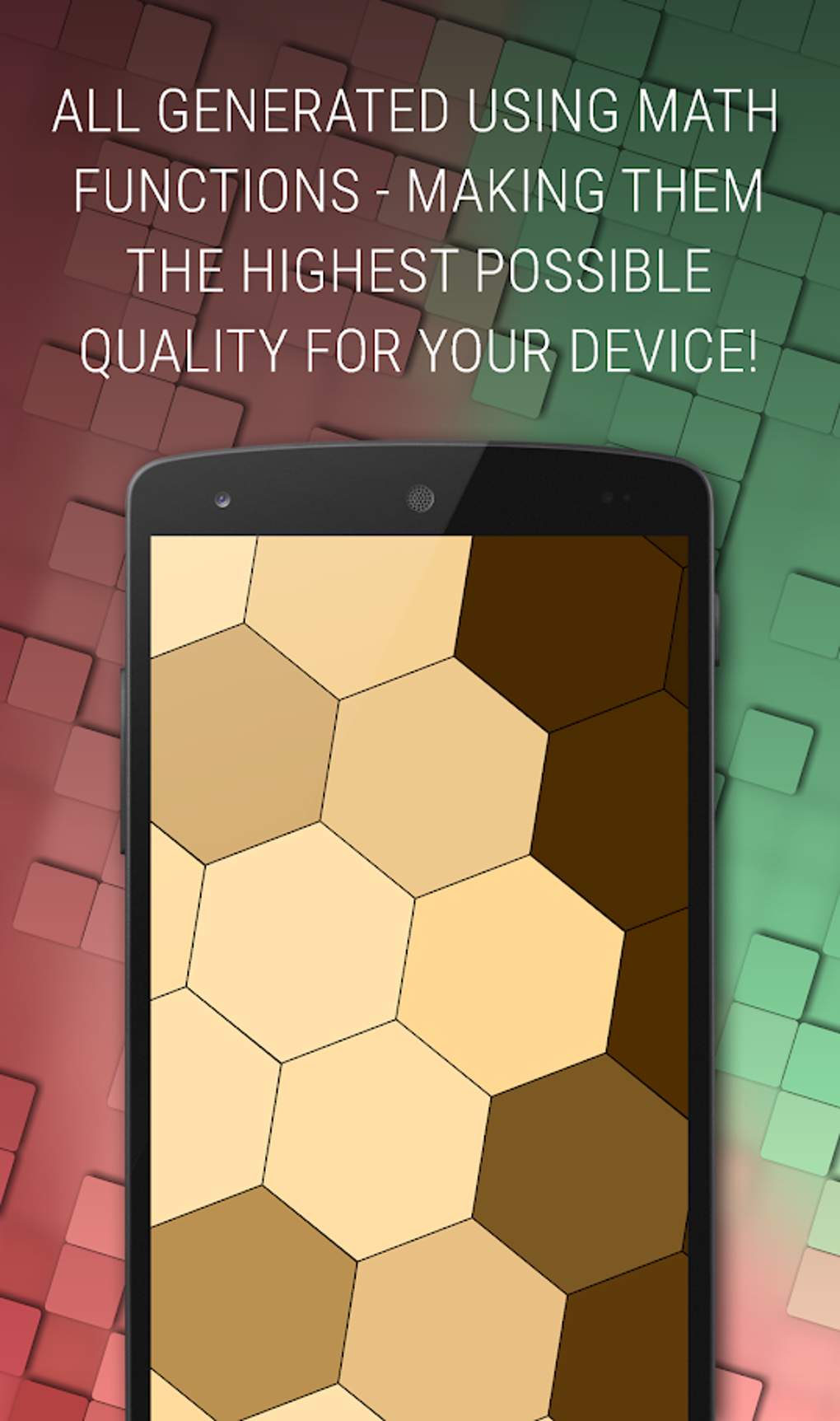
Tapet is a free desktop application designed to transform the way users interact with their device’s wallpaper. It addresses the common frustration of repetitive or generic background designs by offering a dynamic, creative solution. The software enables users to generate high-quality, unique wallpapers through a combination of curated catalogues and automated random generation. Ideal for individuals seeking a personalized, artistic touch on their Windows or Mac devices, Tapet is particularly suited for creative users, digital enthusiasts, and those who value visual uniqueness in their computing environment.
The app functions entirely offline, relying solely on the user’s device and the application to produce designs. This ensures privacy and eliminates dependency on internet downloads. Tapet leverages the screen’s native resolution to deliver maximum visual clarity, ensuring wallpapers fit perfectly and maintain sharpness across devices. Real-world use cases include daily wallpaper refreshes, creating personalized slide shows, or experimenting with color and pattern combinations for a constantly evolving desktop aesthetic. The software’s ability to generate bold, randomized designs with a parallax effect adds depth and visual interest to the user interface.
Key Features & Capabilities
- Automated Wallpaper Generation – Tapet can automatically generate new wallpapers on an hourly or daily basis, ideal for users who enjoy surprise updates without manual effort.
- Custom Color and Pattern Selection – Users can personalize designs by choosing specific colors and managing pattern elements, allowing for a tailored visual experience.
- Design History Access – The app stores previous creations, enabling users to revisit and modify earlier designs for new variations.
- High-Resolution Output – Tapet optimizes designs to match the screen’s native resolution, ensuring crisp, high-quality visuals without pixelation.
- Parallax and Auto-Rotation Support – The software enhances visual appeal by supporting parallax effects and automatic screen rotation, preserving artistic integrity across orientations.
- Slideshow and Rotation Features – Users can compile favorite wallpapers into a slideshow or schedule a daily rotation of new designs for continuous visual refresh.
These capabilities empower users to maintain a dynamic desktop environment without requiring design expertise. Whether used for aesthetic enhancement or creative experimentation, Tapet provides a seamless workflow for generating and managing visually striking backgrounds.
User Interface, Workflow & Performance
Tapet features an intuitive, gesture-driven interface that prioritizes ease of use and visual engagement. Navigation is streamlined through touch and screen gestures, making the experience both fun and efficient. The layout is clean and focused, allowing users to quickly access core functions such as color selection, pattern management, and auto-update settings.
Workflow efficiency is enhanced by the app’s automation features, which minimize repetitive tasks. Users can set up a daily or hourly wallpaper change with minimal configuration, enabling a hands-off approach to desktop customization. The software operates without internet dependency for design generation, which contributes to consistent performance and reduces latency.
The developer did not specify resource usage details. Performance observations are based on general software behavior patterns. Stability appears to be maintained through a lightweight architecture, as the app is only 25.6 MB in size. No reported issues with crashes or freezes were mentioned in the provided data.
Compatibility & System Requirements
Tapet is compatible with both Windows and Mac operating systems, making it accessible to a broad user base. The software is designed to run on devices supporting the specified platforms, though exact system requirements were not listed. The installation size is 25.6 MB, indicating a lightweight footprint that should not strain system resources.
Compatibility information was partially provided. The developer did not provide additional system requirements. Users are advised to ensure their device meets standard requirements for running desktop applications on Windows or Mac. No specific hardware specifications were included in the release details.
Pros and Cons
Pros
- Free to download and use with no hidden costs
- Generates high-quality wallpapers optimized for native screen resolution
- Offers automated daily or hourly wallpaper updates for continuous variety
- Supports parallax effects and auto screen rotation for enhanced visual experience
- Offline operation ensures privacy and no internet dependency
- Intuitive gesture-based interface for easy navigation
- Includes design history and customization tools for creative control
Cons
- Exact system requirements were not specified
- Limited information on performance under heavy use
- No mention of support for additional file formats or export options
- Only available for Windows and Mac, with no information on other platforms
- Customization depth may be limited without further details
FAQ Section
Is Tapet safe to download and use?
Yes, Tapet is a free desktop application developed by Tapet. It operates offline and does not require internet access for design generation, reducing potential security risks. No third-party data collection was mentioned in the provided information.
Can I use Tapet without an internet connection?
Yes, Tapet functions entirely offline. The app generates and manages wallpapers using only your device and the software, with no dependency on external downloads or online services.
Does Tapet support automatic wallpaper updates?
Yes, Tapet includes a feature that allows users to set automatic wallpaper changes on an hourly or daily basis, ensuring a fresh look without manual intervention.
What operating systems does Tapet support?
Tapet is compatible with both Windows and Mac operating systems. No information was provided about support for other platforms.
Is Tapet free to use?
Yes, Tapet is completely free to download and use. There are no in-app purchases or subscription models mentioned in the release details.
Final Thoughts + CTA
Tapet stands out as a refreshing, creative solution for users seeking to elevate their desktop experience. With its automated generation, customization tools, and focus on high-quality output, it delivers a unique blend of convenience and artistic expression. The app’s offline functionality, lightweight design, and gesture-based interface make it accessible and enjoyable for a wide range of users.
While some technical details remain unspecified, the core functionality is clear and well-executed. It’s particularly valuable for individuals who want a dynamic, personalized desktop without the complexity of traditional design software. Whether you're looking for daily surprises, artistic flair, or a way to showcase your style, Tapet provides a compelling answer.
Download Tapet now and transform your desktop into a living canvas of creativity.





.png)

